Channel - Instagram
Connect with Instagram and manage your Instagram Page or Instagram Messenger.
Requirements
Instagram Professional Account (Business or Creator)
Capabilities
✓ Create Posting
✓ Retrieve and Reply Comments
✓ Retrieve Reactions
Setup Instruction
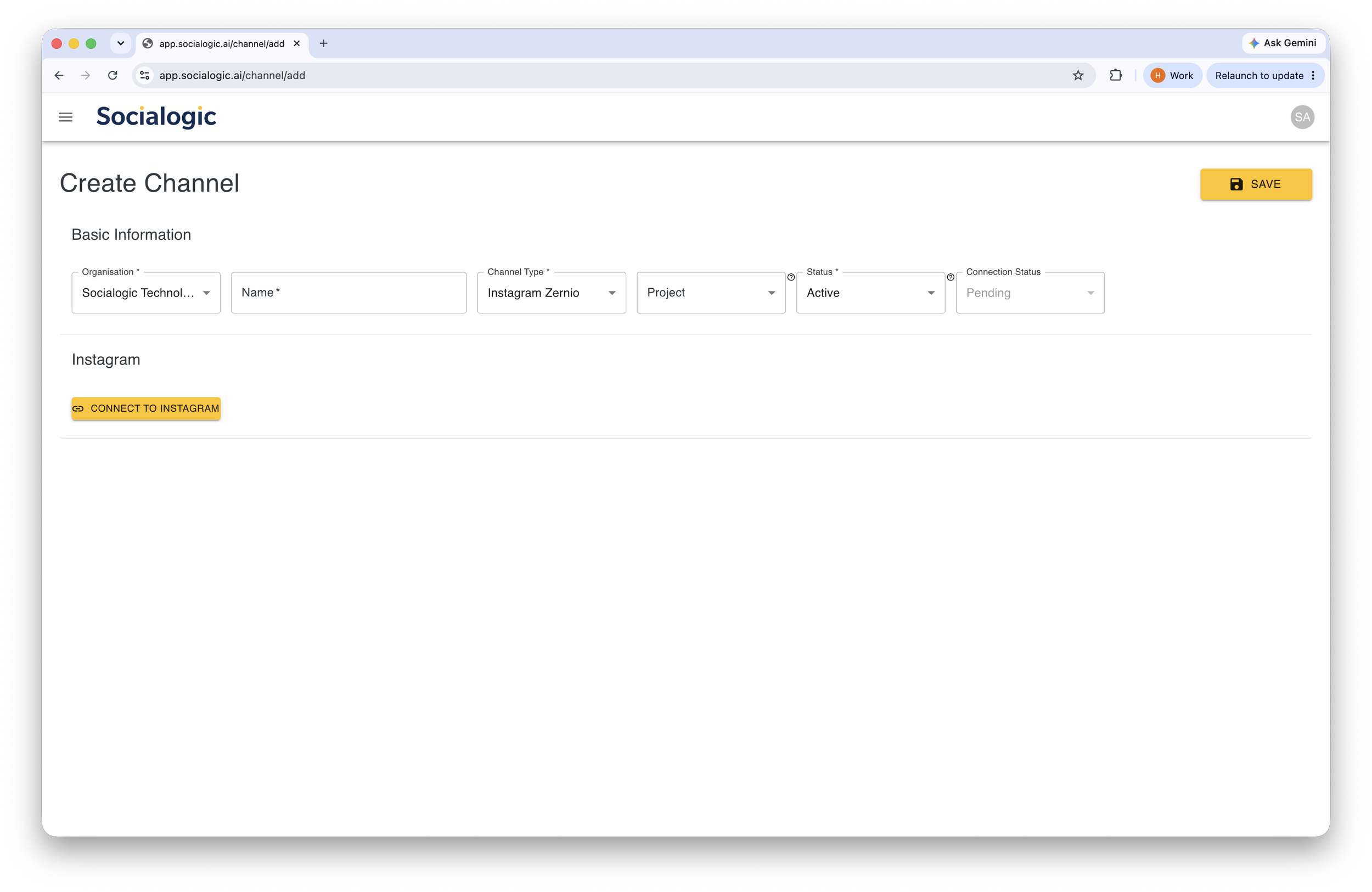
Select “Instagram Zernio” as Channel Type, then Click on “INSTAGRAM LOGIN” button
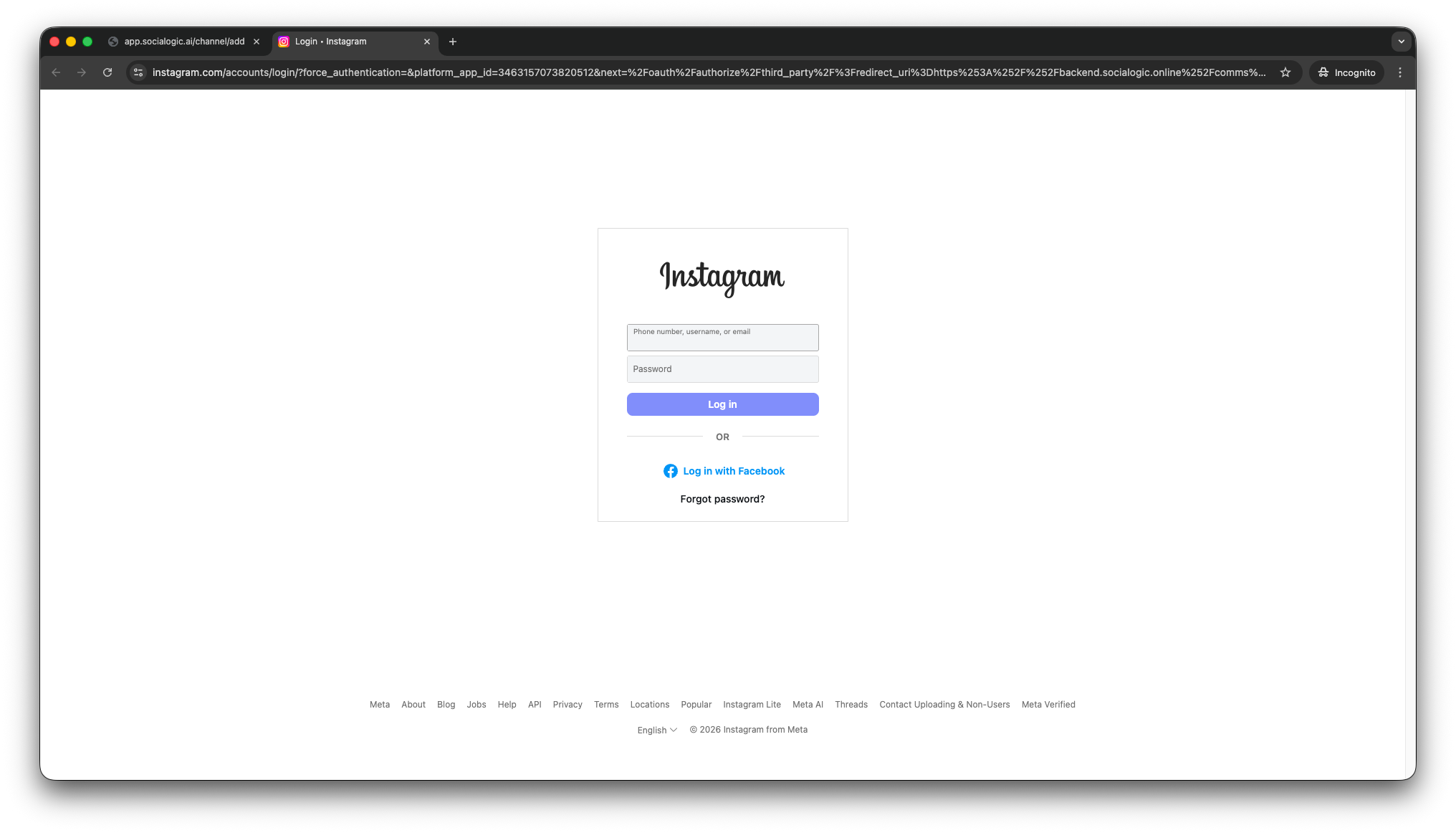
Login to with your Instagram account
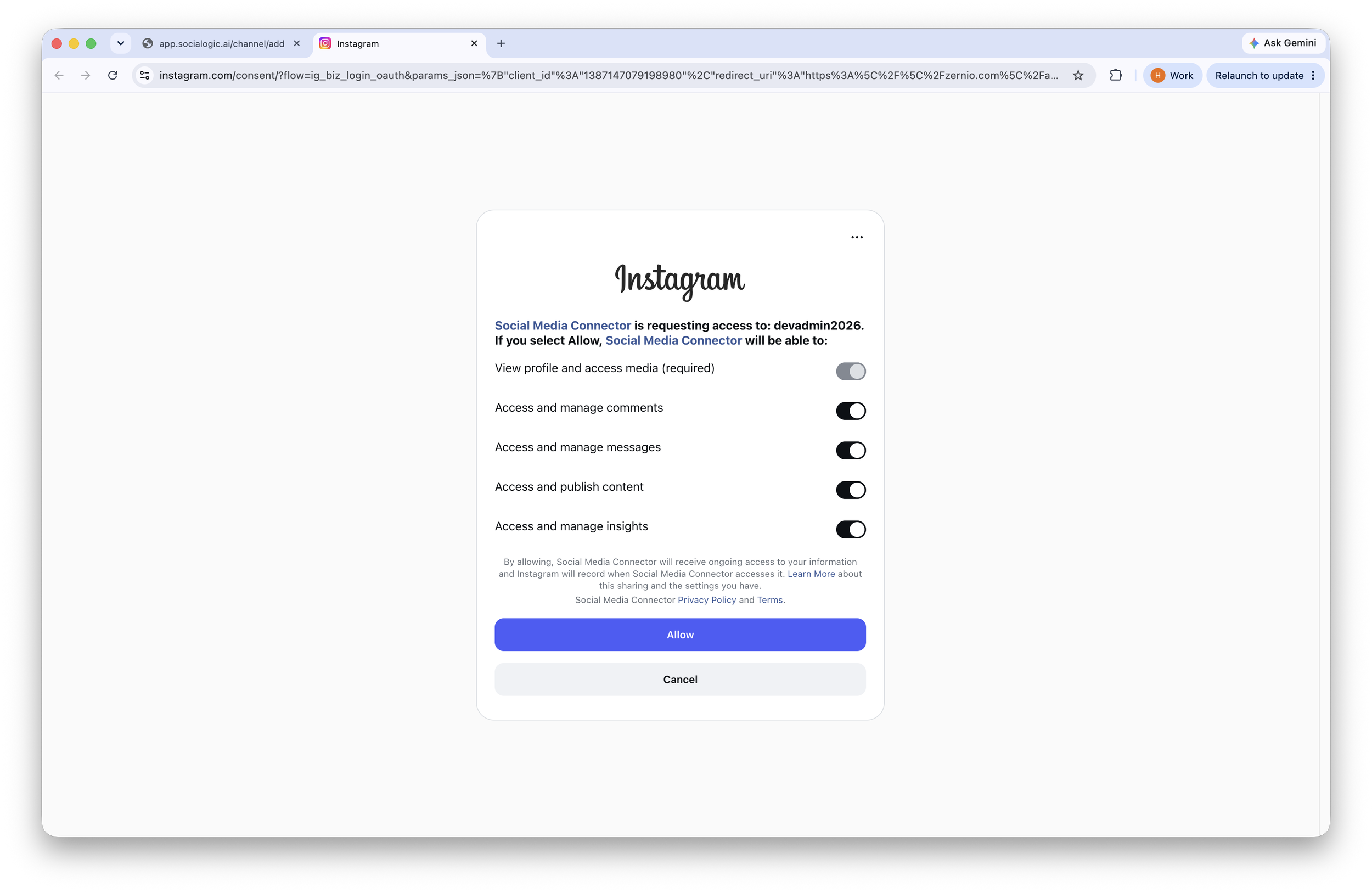
Click “Allow” to grant access rights required for Zernio Connector to manage your Instagram account
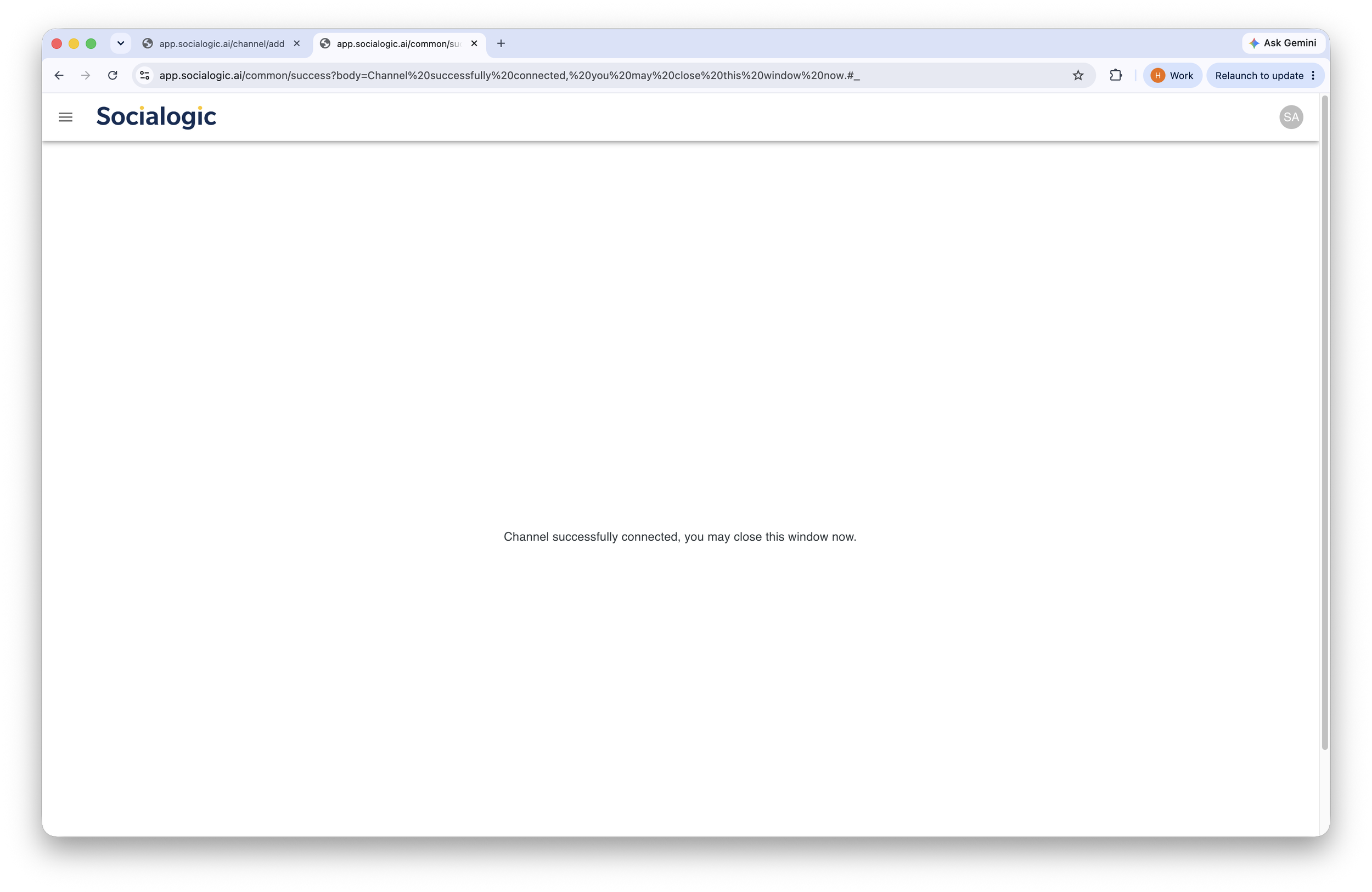
Once completed, a confirmation page appears, close the window to complete.
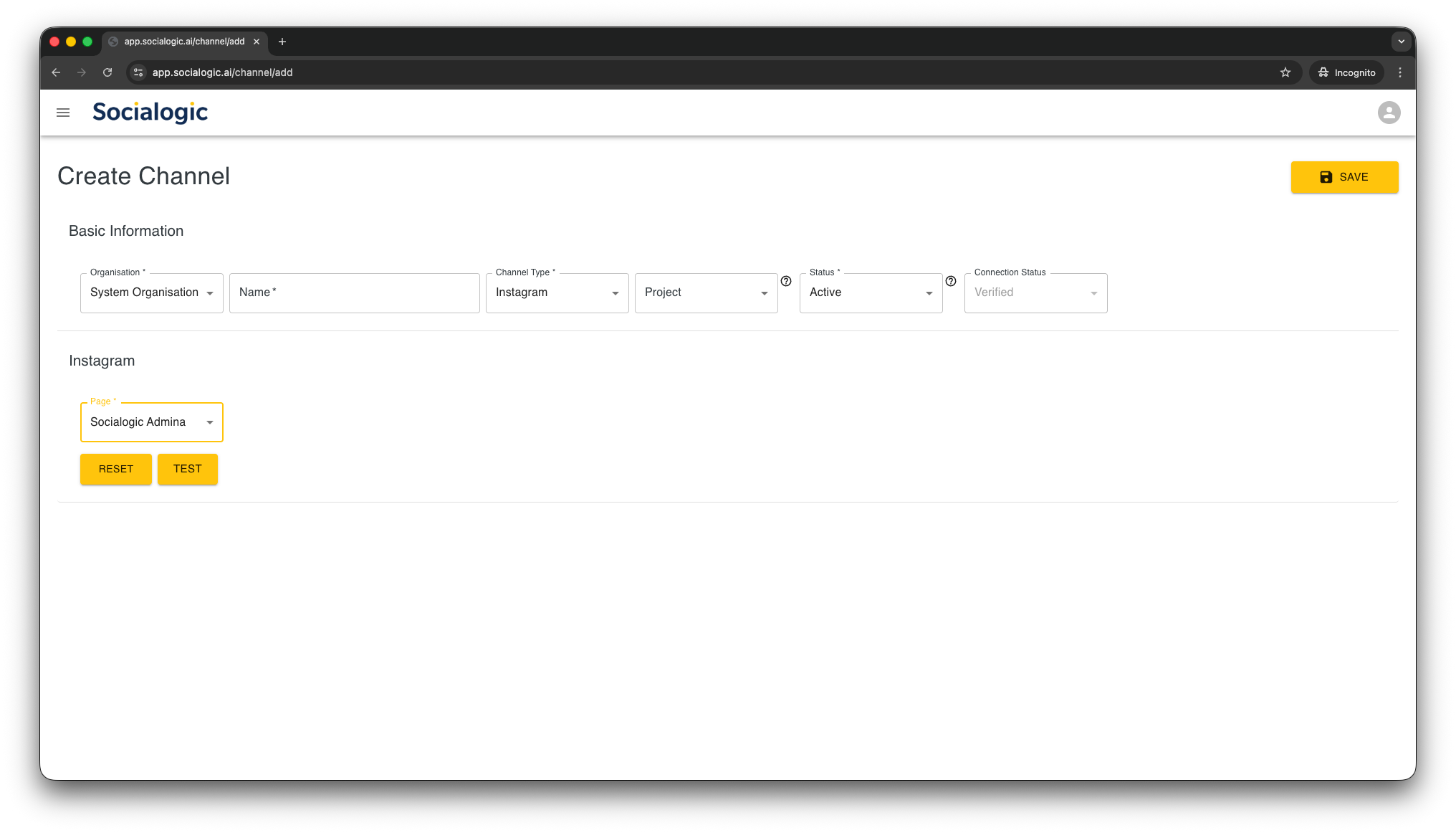
Your Instagram account name will now appears in the Page selector